In our modern digital landscape, facial recognition has become the primary gatekeeper of our personal lives. From unlocking our smartphones to authorizing bank transfers, biometrics provide a level of convenience that traditional passwords simply cannot match. However, what happens when the technology fails, or you find yourself locked out of your own device?
Many users turn to the internet to find out how to bypass Face ID when a passcode is forgotten or a sensor is damaged. While the web is full of claims about quick hacks, the reality of high-level biometric security is far more sophisticated. This comprehensive guide will explain how Face ID works, why it exists, and why bypassing it is extremely difficult. It also covers security risks and safe, official solutions if you’re locked out of your own device.
Understanding Face ID and Why It Exists
Apple introduced Face ID as a revolutionary step forward in mobile security, moving away from fingerprint scanning to a more seamless 3D facial map. This technology uses a complex array of hardware known as the TrueDepth camera system. Unlike basic camera-based systems found on older laptops or budget phones, this system projects over 30,000 invisible infrared dots to create a precise mathematical model of your face.
The primary reason Face ID exists is to provide a balance between extreme security and user accessibility. It ensures that sensitive data, such as how to bypass Face ID on hidden photos, remains a non-issue for unauthorized users. By isolating biometric data within a Secure Enclave—a dedicated chip on the device—your facial map never leaves the phone and is never uploaded to a cloud server, making it incredibly difficult for hackers to intercept.
Can Face ID Really Be Bypassed?
When searching for how to get past Face ID, you will likely encounter various videos or articles claiming that a simple trick can fool the system. However, for a modern iPhone or a flagship Android device, a standard bypass is nearly impossible. These devices are equipped with specialized sensors that detect depth and liveness, meaning they can distinguish between a living person and a flat representation.
Most leaks or hacks seen online are either performed on outdated hardware with lower security standards or are carefully edited to look successful. In a real-world scenario, the chance of a random person bypassing your Face ID is approximately one in a million.
How to Bypass Face ID: Photo Access Bypass
Privacy is a major concern for many users, leading to questions about how to bypass Face ID on hidden photos or how to bypass Face ID for deleted photos. These folders are specifically designed to be the most secure areas of a mobile device.
How to Bypass Face ID on Hidden Photos
On the iOS platform, the Hidden and Recently Deleted albums are locked behind a biometric wall by default. If the Face ID scan fails, the only legitimate way to enter these folders is by using the device passcode. There is no hidden menu or secret button that allows a user to skip this security layer. This ensures that even if someone manages to see your home screen, they cannot access your most private media.
How to Bypass Face ID for Deleted Photos
The Recently Deleted folder acts as a secondary safety net. To prevent accidental or malicious permanent deletion of photos, the system requires a fresh Face ID scan. This protects users from losing valuable data if their phone is briefly in the hands of another person.
Common Face ID Spoofing Methods
Scammers often prey on people who are locked out of their phones by promising software that can bypass Face ID. These claims usually revolve around four main methods of “presentation attacks,” all of which modern security systems are trained to reject.
Use of High-Resolution Pictures
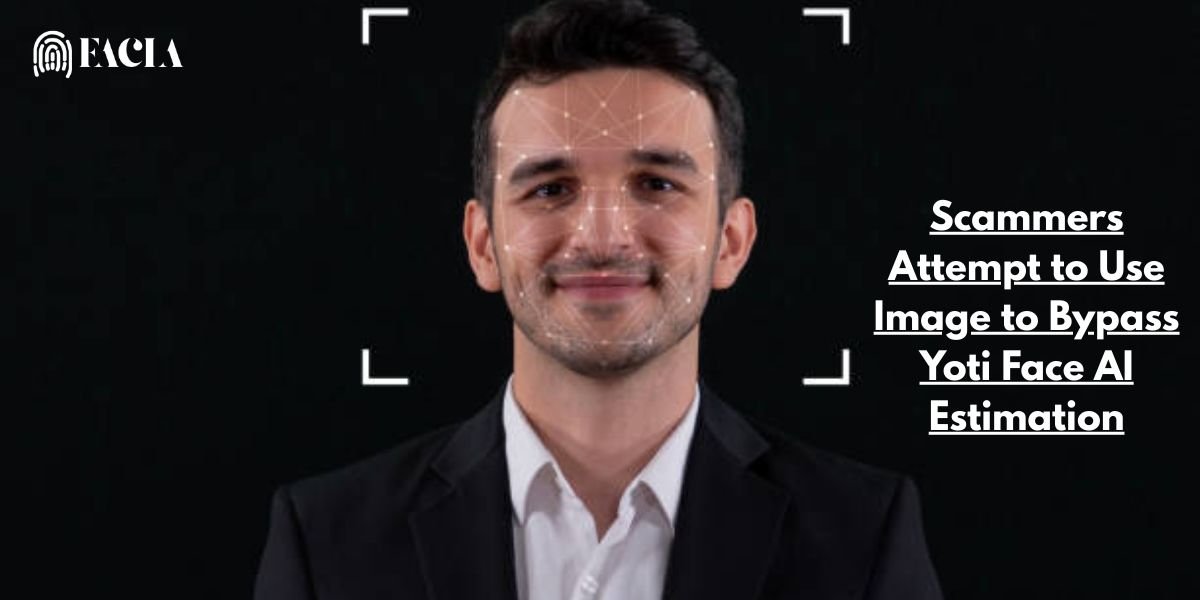
The most common myth is that you can use a high-definition photograph of the owner to unlock a phone. Because the TrueDepth camera uses infrared light to measure depth, it immediately recognizes that a photo is a flat surface. Even a life-sized, high-resolution print will fail because it lacks the three-dimensional geometry of a human nose, brow, and chin.
Video Playback Attacks
Another frequent claim is that playing a high-quality video on the phone’s owner will trick the sensor. However, digital screens do not emit the same infrared patterns as human skin. Furthermore, the 3D sensors look for subtle movements and depth changes that a flat screen cannot provide, effectively neutralizing this method.
Deep Fakes & AI Manipulation
With the rise of artificial intelligence, many wonder how to fake a verification photo using Deepfake technology. While AI can create a very convincing visual image for human eyes, it cannot generate the specific 3D data required by the phone’s hardware. AI-generated images are essentially 2D files, which are ignored by the infrared mapping process.
3D Masks & Silicone Replicas
There have been instances where security researchers created expensive, custom-made 3D masks to fool Face ID. While technically possible in a controlled lab setting, this requires high-budget materials and a 3D scan of the owner’s face. For the average person, this is not a realistic threat, as the cost and effort involved are astronomical.
Face ID Bypass Scenarios Across Apps, Devices, and Communities
The journey to bypass Face ID changes significantly depending on the device you are holding and the apps you are trying to open. While the technology serves a universal purpose—protecting your identity—the underlying hardware and software rules differ between the Apple ecosystem, the diverse Android market, and the various third-party apps we use daily.
How to Bypass Face ID on iPhone
On an iPhone, there is no secret hack to skip a face scan. Apple’s security is designed to be a closed loop. If your Face ID fails due to a hardware issue or a change in your appearance, Apple officially provides only a few legitimate paths:
- The Passcode Backup: This is the most common way to get past Face ID. If the camera does not recognize you after five attempts, the iPhone will automatically demand your 4 or 6-digit passcode.
- Recovery Mode: If you have forgotten both your Face ID and your passcode, the only official solution is to place the device into Recovery Mode using a computer. This will erase the device, allowing you to set it up again from an iCloud backup.
- Stolen Device Protection: In modern iOS updates, Apple has introduced a security delay for changing sensitive settings. If you are in an unfamiliar location, you may have to wait an hour before the system allows you to reset your biometric data.
How to bypass Face ID on WhatsApp
WhatsApp uses the biometric API provided by your phone’s operating system. If you have enabled the App Lock feature within WhatsApp settings, it will request a Face ID scan every time the app is launched. If it fails, WhatsApp will typically prompt you to use your device passcode. There is no “WhatsApp-specific” bypass; it relies entirely on the security of your phone. If you want to stop the app from asking for your face, you must disable the feature within WhatsApp > Settings > Privacy > App Lock.
How to bypass Face ID Android
The Android experience varies wildly because different manufacturers use different technologies.
- Premium Androids: Devices like the Samsung Galaxy S-series or Google Pixel use advanced 3D or dual-pixel sensors that are very difficult to trick, much like an iPhone.
- Budget Androids: Many entry-level Android phones use basic 2D facial recognition through the front-facing selfie camera. These are significantly less secure and can sometimes be bypassed with a high-resolution photo or even a video of the owner.
- Bypass Method: For most Androids, if facial recognition fails, you can swipe up on the lock screen to enter your Pattern, PIN, or Password.
How to Bypass Face ID Reddit Claims
If you search how to bypass Face ID Reddit, you will find hundreds of threads where users claim to have found workarounds. Common claims include using a VPN to bypass age verification face scans or using “Game Character Creators” to trick some apps.
While some of these might work for low-security websites or age-verification prompts, they do not work for unlocking a physical phone. Most Reddit users will tell you that bypass software advertised in the comments is almost always a scam. These tools often contain trojans or malware designed to steal your bank details rather than unlock your phone. Always prioritize official manufacturer advice over “too good to be true” claims on community forums.
Pro Tip: Communities like Reddit are great for discussion, but not a substitute for manufacturer-level security guidance.
Face ID Bypass: Legal, Ethical, and Privacy Risks
When discussing how to bypass Face ID, it is easy to focus purely on the technical “how-to.” However, attempting to circumvent biometric security has significant legal and ethical consequences that every user should understand. In 2025, laws surrounding digital privacy are stricter than ever, and unauthorized access to a device is rarely seen as a simple mistake.
The Legal Framework: Unauthorized Access
Accessing a device that does not belong to you—or helping someone else do so without the owner’s explicit consent—can trigger serious legal action.
- Computer Fraud and Abuse Act (CFAA): In the United States, the CFAA is often used to prosecute individuals who “exceed authorized access” to a protected computer or smartphone. Bypassing a lock screen can be considered a federal offense depending on the intent and the data accessed.
- Biometric Privacy Laws: Many regions now have specific protections for facial data. For example, the Illinois Biometric Information Privacy Act (BIPA) and the EU’s GDPR strictly regulate how biometric data is handled. Attempting to trick these systems or “fake” a verification can lead to heavy civil penalties or lawsuits.
The Ethical Boundary
From an ethical standpoint, your face is your ultimate digital signature. Unlike a password, you cannot easily change your face if it is compromised. Attempting a bypass Face ID maneuver on another person’s phone is a direct violation of their personal agency.
- Trust and Consent: Biometrics represent a person’s digital consent. Breaking that lock is equivalent to breaking into a physical home.
- The “Permanent” Risk: Because biometric data is immutable (it stays the same for life), a successful bypass or a leaked facial template can cause lifelong security issues for the victim.
Privacy and Data Risks
If you use third-party tools or “grey market” software to try and get past Face ID, you are putting your own privacy at risk.
- Data Harvesting: Many apps that claim to bypass security are actually Trojan horses. Once you give them access to your device, they may scrape your contacts, photos, and banking information.
- Digital Footprint: Every attempt to bypass a secure system leaves a digital trail. Modern operating systems log failed biometric attempts and unauthorized access, which can be used as evidence in legal disputes.
In short, the safest and most ethical path is to always use the official recovery methods provided by the manufacturer. If you are trying to help a family member with a locked device, it is better to contact professional support than to risk the legal and privacy complications of a “hack.”
What to Do If You’re Locked Out of Your Own Device
Being locked out of your own phone is a stressful experience, especially when you need to access urgent information. If you have been searching for how to bypass Face ID because your device is no longer recognizing you, don’t worry—there are official, safe ways to regain entry. Whether you’re using an iPhone or an Android, these steps are designed to help the rightful owner get back in without resorting to risky hack tools.
Pro Tip: Always make sure your Apple ID or Google account recovery email is active—most lockout recoveries fail because of forgotten credentials, not Face ID itself.
Immediate Troubleshooting Steps
Before moving to more drastic measures, try these simple fixes that often solve biometric failures:
- Clean the Sensors: Dust, fingerprints, or a smudge on the front-facing camera “notch” can prevent the 3D sensors from working correctly. Wipe the top of your screen with a soft, lint-free cloth.
- Remove Obstructions: Face ID and Android Face Unlock need to see your eyes, nose, and mouth. Ensure your sunglasses aren’t blocking infrared light, and that your mask or scarf is positioned correctly.
- Restart the Device: A simple reboot can fix temporary software glitches that might be “freezing” the facial recognition process.
Using the Passcode Backup
This is the most direct way to get past Face ID. If the camera fails to recognize you after a few tries, your phone will prompt you for your manual PIN or passcode.
- iPhone: Swipe up from the bottom of the lock screen and tap “Use Passcode.”
- Android: Swipe up or tap the “PIN/Pattern” option on the screen.
Official Recovery for iPhone (iOS 15.2 and Later)
If you have forgotten both your Face ID and your passcode, Apple has made the recovery process easier in recent updates.
- Security Lockout: If you enter the wrong passcode too many times, a security lockout or “iPhone Unavailable” screen will appear.
- Erase iPhone: At the bottom of the screen, you will see an Erase iPhone (or “Forgot Passcode?”) option. If you tap this and enter your Apple ID password, the phone will wipe itself clean, allowing you to set it up as new and restore your data from an iCloud backup.
Official Recovery for Android (Find My Device)
For Android users, Google provides a powerful tool called Find My Device (formerly Find Hub) to help you if you’re locked out.
- Remote Erase: Log in to the Google Find My Device website from another phone or computer using your Google account.
- Factory Reset: Select your locked phone and click “Factory Reset Device.” This will erase the screen lock, allowing you to re-enter the phone using your Google credentials.
Seeking Professional Help
If you suspect your hardware is physically broken (for example, after dropping the phone), the best path is to visit an authorized service provider. Attempting a DIY repair on the TrueDepth camera can permanently disable Face ID and may even lead to eye-safety risks due to the laser sensors involved.
Security Technologies That Prevent Face ID Abuse
The reason why it is so incredibly difficult to bypass Face ID in 2025 is that your phone doesn’t just rely on a single camera. Instead, it uses a multi-layered fortress of hardware and software designed to stay several steps ahead of scammers. These technologies work together in a fraction of a second to ensure that the person holding the phone is the actual owner.
Here are the key technologies that make modern facial recognition so resilient:
Multi-Factor Authentication (MFA)
Even the best facial recognition isn’t used in isolation. Most secure devices use a tiered approach. For example, if you restart your phone, haven’t unlocked it in 48 hours, or are trying to change a sensitive password, the system will ignore your face and demand a passcode or PIN. This ensures that even if someone had a perfect 3D mask of your face, they still couldn’t take full control of your digital life.
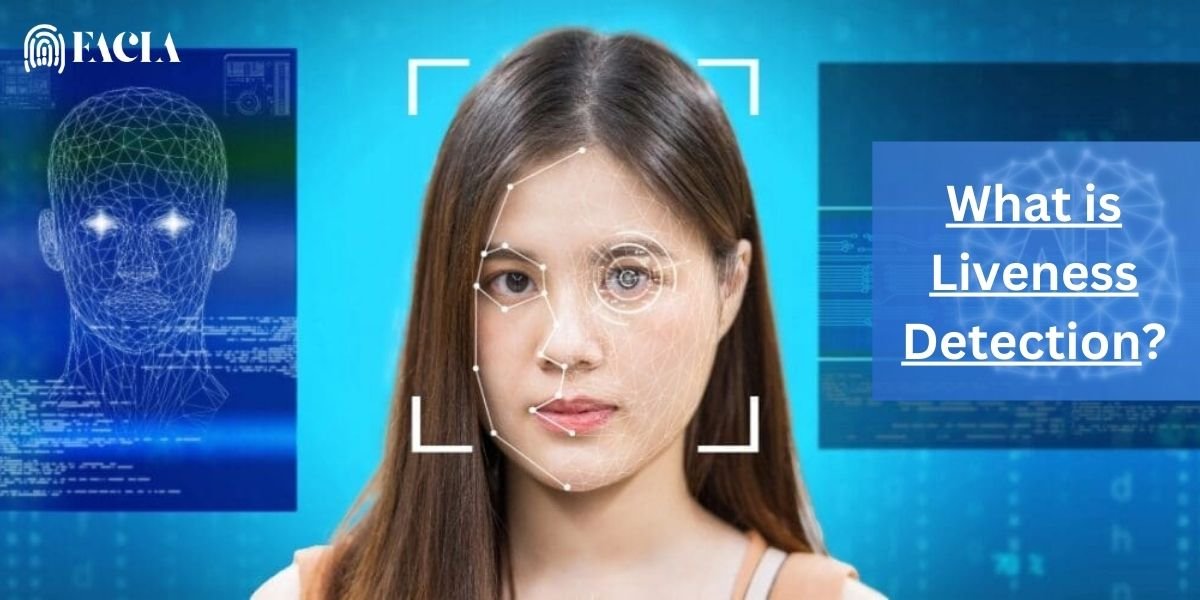
Liveness Detection
This is perhaps the most important defense against “spoofing.” Liveness detection confirms that the biometric input is coming from a real, physically present person rather than a photo, video, or deepfake.
- Active Liveness: Requires you to perform an action, like blinking or smiling.
- Passive Liveness: Works silently in the background, analyzing micro-movements of your skin, the way light reflects off your eyes, and even your blood flow patterns.
Biometric Data Encryption and Secure Storage
Your face is never stored as a picture that a hacker could steal. Instead, the system converts your facial map into a complex mathematical string. This data is then stored in a Secure Enclave or a Trusted Execution Environment (TEE). This is a dedicated chip that is physically isolated from the rest of the phone’s processor. Even if the main operating system is hacked, the attacker cannot “reach in” and grab your biometric data.
Anti-Spoofing Algorithms and AI-Based Fraud Detection
In 2025, artificial intelligence will play a massive role in security. Modern algorithms are trained on millions of examples of both real faces and spoofs (like masks or high-res screens). These AI models can detect the difference between the texture of real human skin and the texture of a silicone mask or a digital display. This is why a search for how to fake a verification photo rarely leads to a working solution; the AI sees right through the trick.
Continuous Monitoring and Adaptive Risk Analysis
Modern security systems are smart. They learn your face over time as you age, change your hair, or grow a beard. If the system detects a close match that isn’t quite perfect, it might ask for a passcode to confirm your identity. Once you enter the code, it updates its mathematical model of your face. This adaptive learning makes it much harder for a stranger with a similar face to get in.
Importance of Software Updates and User Awareness
Finally, security is a moving target. Manufacturers like Apple and Samsung release monthly security patches to close any newly discovered loopholes. Keeping your software up to date is the single most important thing you can do to prevent a bypass Face ID attempt from being successful.
Face ID, Liveness Detection, and KYC/AML Compliance
In the world of finance, facial recognition is used for KYC (Know Your Customer) and AML (Anti-Money Laundering) compliance. When you open a bank account online, the app will ask you to take a live selfie. This process uses advanced liveness detection to ensure you aren’t using a photo or a video of someone else. This is a critical barrier against identity theft in the digital age.
FAQs About Face ID Security
Can Face ID be bypassed without the phone owner knowing?
Generally, no. Face ID requires Attention Awareness, meaning the owner must have their eyes open and be looking directly at the device. It cannot be used to unlock a phone while someone is sleeping unless that security feature was manually turned off.
Are Face ID bypass tools real or scams?
The vast majority of downloadable tools that claim to bypass Face ID are scams. They often contain viruses or are designed to trick you into paying for software that does not work.
Is Face ID safer than passcodes?
Statistically, Face ID is much safer. A 4-digit passcode can be guessed or observed by someone looking over your shoulder. Face ID is unique to you and is nearly impossible to guess.
What should I do if Face ID fails repeatedly?
If the hardware is damaged, you will need to visit an authorized repair center. If it is a software issue, a simple factory reset (provided you have your Apple ID or Google account info) will solve the problem.
Final Thoughts
Face ID is a powerful tool designed to protect your privacy and personal data. While being locked out can be frustrating, the difficulty of finding a way to bypass Face ID is actually a testament to how well the technology works. Instead of looking for risky hacks or magic software, always rely on official recovery methods and keep your passcodes stored in a secure password manager.
Are you struggling with your device’s security settings? We can help. Would you like me to provide a step-by-step guide on how to safely reset your iPhone or Android device to factory settings?